
Loot ESP controls
Loot ESP
Master switch for item and container labels in the Loot tab.
Loot filters
Narrows which item classes draw so you can focus on weapons, attachments, or heals you selected.
Item ESP
Shows individual pickup names on the loot you filtered in.
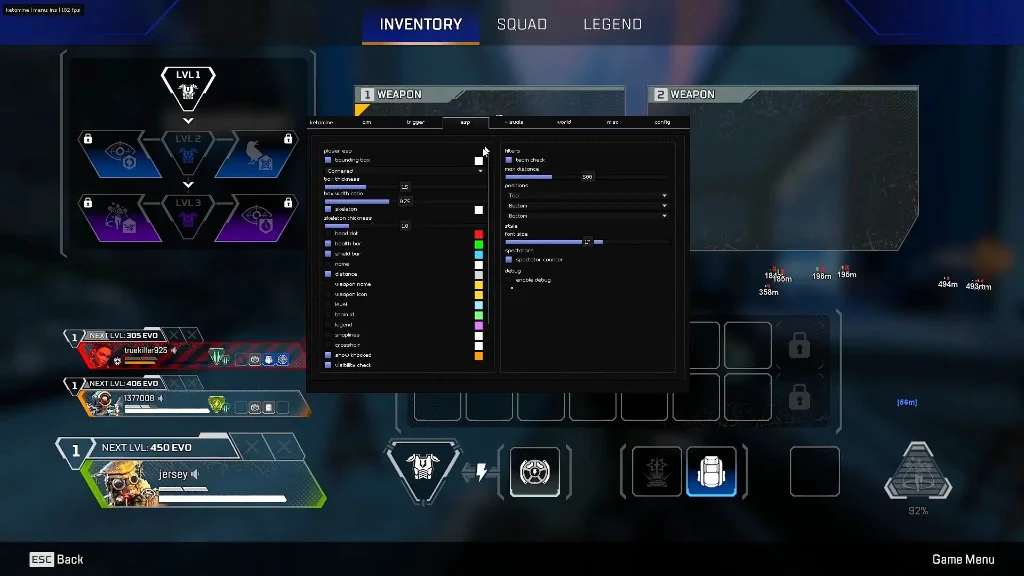
Why loot has its own tab
Apex matches are loot-heavy. Running every player label and every item at once is hard to read. Loot ESP keeps item routing separate from legend ESP.
Filters vs turning everything on
Loot filters are the control that keeps the Loot tab usable. Start with one loot class you care about, then add more once you can read the screen in a fight.
Purple weapons, attachments, and heals are common starting points on Apex maps. If the ground looks like noise, narrow the filter before you raise max distance on player ESP.
Works well with
Related reading
Apex Legends Loot ESP questions
Does loot ESP replace player ESP?
No. They are separate tabs. Most setups run player ESP for fights and loot ESP when looting.
Can I run loot ESP without the aimbot?
Yes. Loot ESP does not depend on the aimbot tab.
Loot ESP ships with the full menu
One license covers every module. Monthly is $35 for 31 days. Lifetime is $150.
Around the site
Status, checkout, and the guides that sit around this module.